MINI BLOG
Building a Dynamic Web News Blog With User Authentication and Admin Management
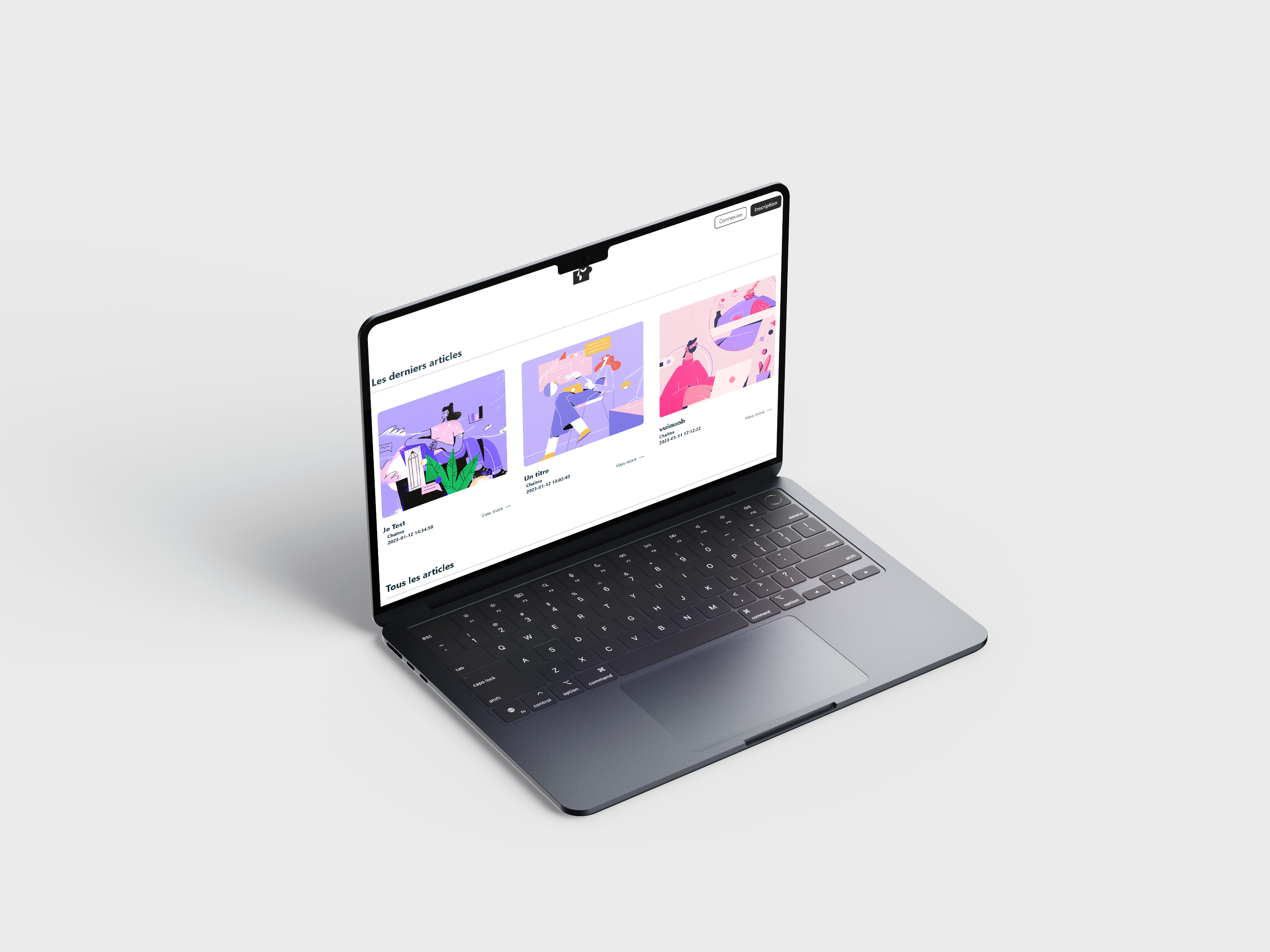
Mini Blog is a dynamic web application developed as part of a university project focused on server-side development.
The objective was to build a functional article platform where users could create an account, log in, read web-related news articles, and comment on published content.
The project also included an administration area allowing the website owner to create, edit, delete, categorize, and publish articles directly from the back office.
Unlike my design-focused projects, this project was mainly centered on back-end logic, database management, authentication, and dynamic content rendering.
Mission
My mission was to develop the full application independently, from the front-end interface to the back-end logic and database structure.
I implemented the user-facing blog, authentication system, comment management, article categories, search feature, and the administration interface.
The project required me to connect static front-end pages to a MySQL database and make all content dynamic through PHP, including articles, comments, images, and user data.
Objectives
01 | Build a Dynamic Blog Platform
Create a website where articles are stored in a database and displayed dynamically on the front-end.
02 | Enable User Interaction
Allow connected users to comment on articles and participate in a small community around web news.
03 | Create an Admin Back Office
Provide an administration space to manage articles, categories, images, and published content.
04 | Practice Full-Stack Logic
Apply PHP and MySQL concepts through authentication, sessions, CRUD operations, and database-driven content.
Strategic Value
01 | Centralize Web News Content
Create a simple platform where visitors can browse and discover articles related to web trends and digital topics.
02 | Encourage Community Participation
Give users the possibility to interact with articles through comments after authentication.
03 | Make Content Management Easier
Allow administrators to publish and maintain content directly from a dedicated back-office interface.
The Challenge
The main challenge was to move beyond static pages and create a fully dynamic website connected to a database.
Several technical issues had to be addressed: user authentication, session management, article publishing, comment display, category filtering, image upload, search, and CRUD operations.
The challenge was therefore mainly technical:
How might we build a simple but complete blog platform that allows users to read and comment on articles while giving administrators full control over published content?
Development Approach
The project was developed directly through implementation, with a strong focus on back-end logic and database structure.
Methodologies
Database Modeling
Creation of a MySQL database structure to store users, articles, categories, comments, and uploaded images.
Authentication System
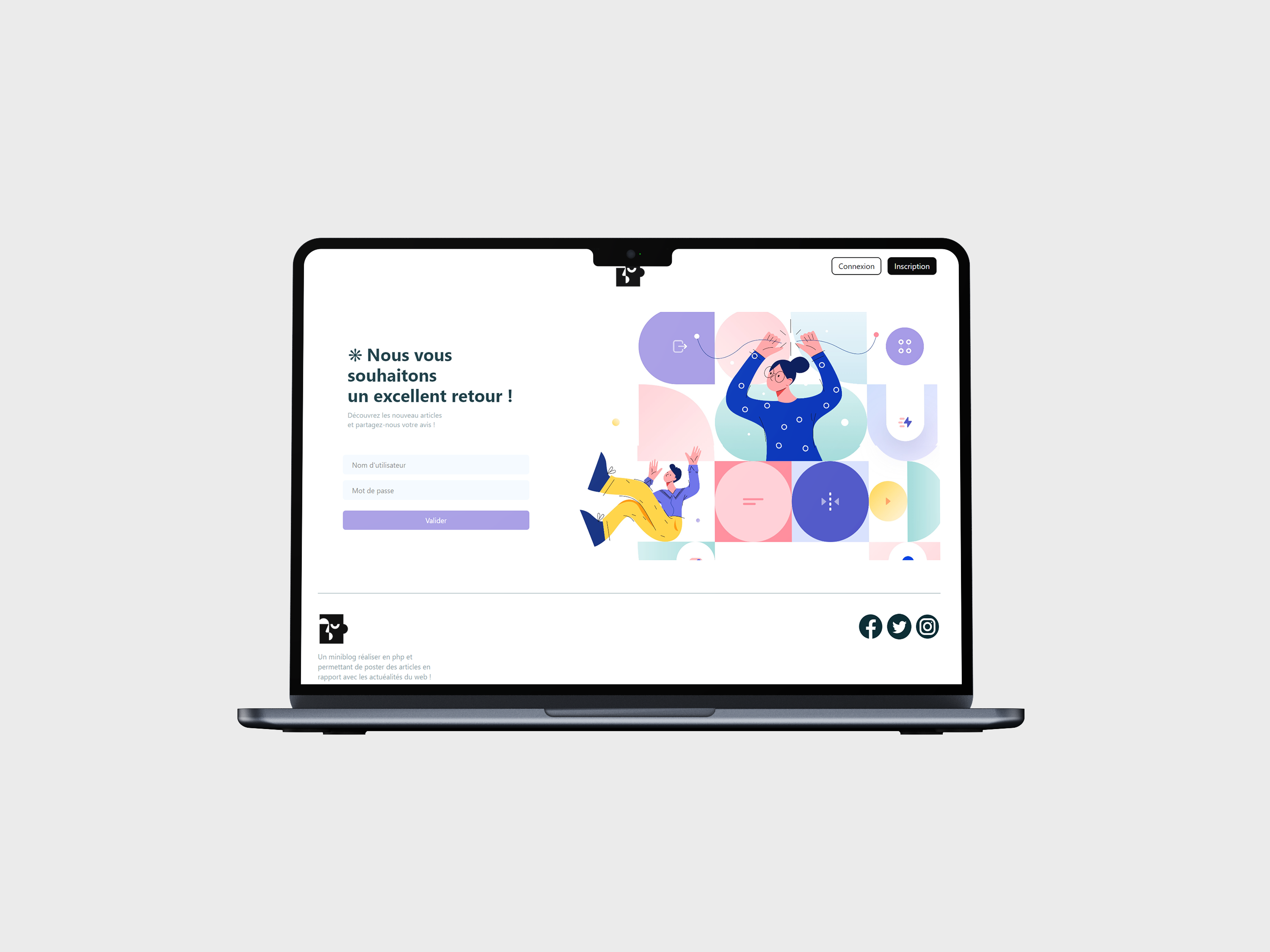
Implementation of account creation, login, logout, and session management to restrict certain actions to connected users.
CRUD Operations
Development of create, read, update, and delete features for managing articles from the administration area.
Dynamic Content Rendering
Display of articles, comments, categories, images, and search results dynamically from the database.
Front-End Integration
Creation of a clear and minimal interface using HTML, CSS, and JavaScript to make the blog easy to browse.
Key Features
User Features :
Read web news articles
Create an account
Log in and log out
Comment on articles when connected
Search for content
Browse articles by category
Admin Features :
Create articles from the back office
Edit existing articles
Delete articles
Upload article images
Manage categories
Publish content dynamically
Technical
Implementation
The project was developed using HTML, CSS, JavaScript, PHP, and MySQL.
PHP was used to handle server-side logic, process forms, manage authentication, interact with the database, and render dynamic content.
MySQL was used to store users, articles, categories, comments, and image references.
The project helped me understand how front-end interfaces connect to back-end logic and how a database-driven website is structured.
Design Direction
The interface was designed to be clear, minimal, and easy to use.
Since the project focused mainly on development, the visual direction remained simple in order to prioritize content readability and functional clarity.
The layout was structured around article cards, readable content areas, simple forms, and a straightforward administration experience.
The goal was to create a practical blog interface where users could quickly access articles and interact with content.
Outcomes
Functional Dynamic Blog
The final project allowed articles, comments, categories, and images to be displayed dynamically from the database.
Admin Content Management
The back office made it possible to create, edit, delete, categorize, and publish articles without touching the code.
User Authentication
Visitors could create an account, log in, and comment on articles through a session-based authentication system.
Full-Stack Learning Project
This project strengthened my understanding of PHP, MySQL, CRUD logic, sessions, and dynamic website architecture.
My Learnings
01 | Dynamic Websites Require Clear Data Structure
This project taught me that a good database structure is essential before developing features such as articles, categories, comments, and user accounts.
02 | Session Management Is a Key Back-End Concept
Managing connected users helped me better understand authentication flows, protected actions, and how server-side sessions work.
03 | CRUD Logic Is the Foundation of Many Web Applications
Creating, reading, updating, and deleting content from an admin area helped me understand how many real-world content platforms are built.
04 | Front-End and Back-End Must Work Together
This project showed me how interface elements, forms, database queries, and server-side processing depend on each other to create a functional product.
05 | Simple Interfaces Can Support Complex Logic
Even with a minimal visual design, the project involved multiple layers of functionality, from authentication to content management and dynamic rendering.